
BOISE & BEYOND SHARE KIT
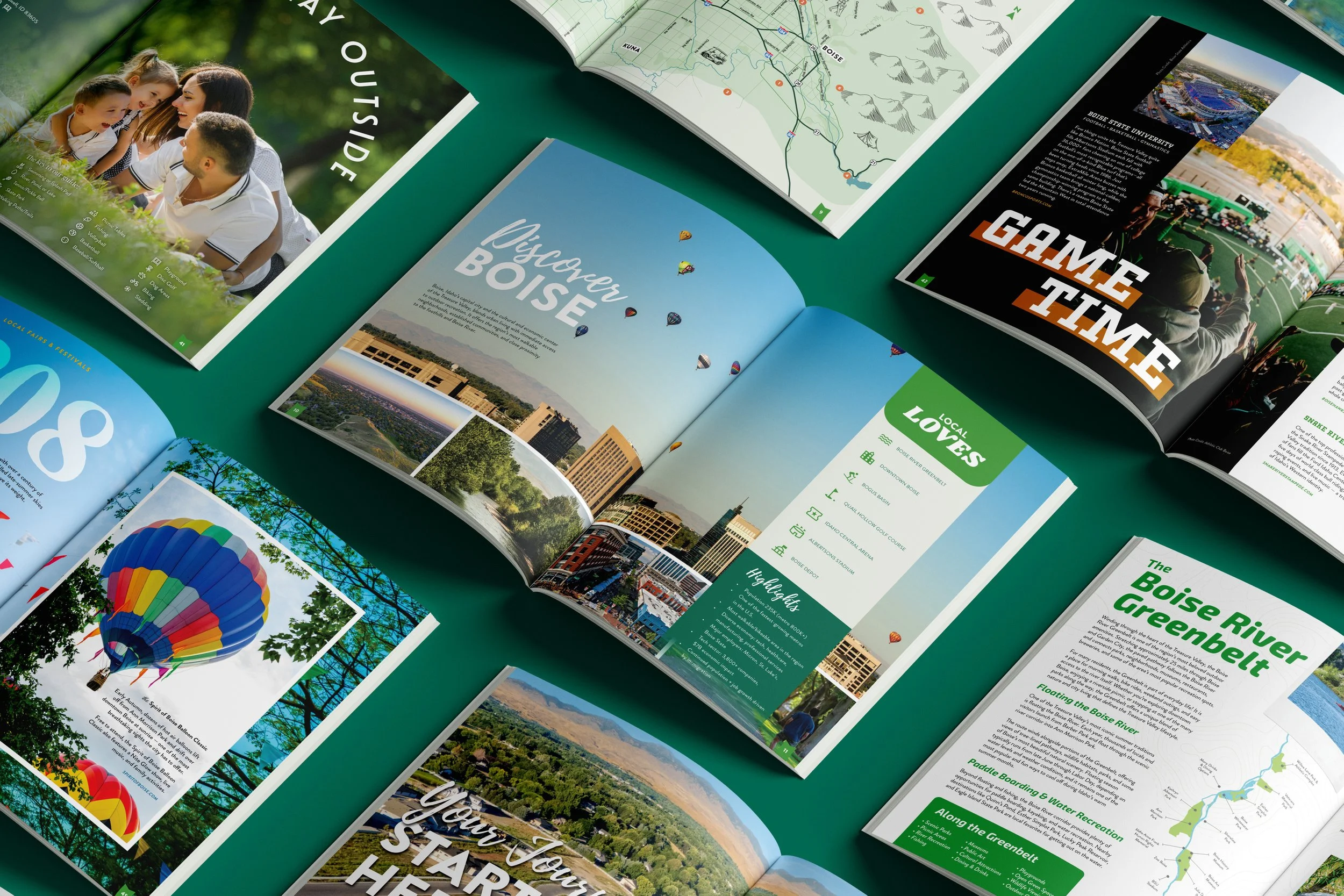
Got a client thinking about a move to the Treasure Valley, or know someone who is? Everything you need to put the new relocation magazine in their hands lives right here.
Just need the link on its own? Grab the flipbook here. →
start hereNew to this? It’s simple! Each message sits in its own box with a green Copy button in the corner. Click Copy, paste it into your email, text, or post, then swap in your client's name where you see [First Name] and add yours where it says [Agent Name]. You'll notice a long web link inside most messages. That's meant to be there, it's what opens the magazine, so just leave it in.
Client Email
Best for a warm, personal note. Pick a subject line, swap in a first name, and hit send.
Subject Line Options (pick one)
Email Message
Text Message
Quick to send straight from your phone, and great for close past clients.
Warm & Conversational
Short & Sweet
SOCIAL
MEDIA
*
SOCIAL MEDIA *
Instagram won't let caption links work, so these invite people to message you instead. Nothing to paste but the words.
The magazine link is already in each caption, and Facebook turns it into a clickable link on its own.
The magazine link is already in each caption, and LinkedIn makes it clickable on its own.
Keep it Simple • General
Short captions that work on any platform. Copy, paste, done.
Ready-made images for your posts. Download one, then pair it with any caption below.